
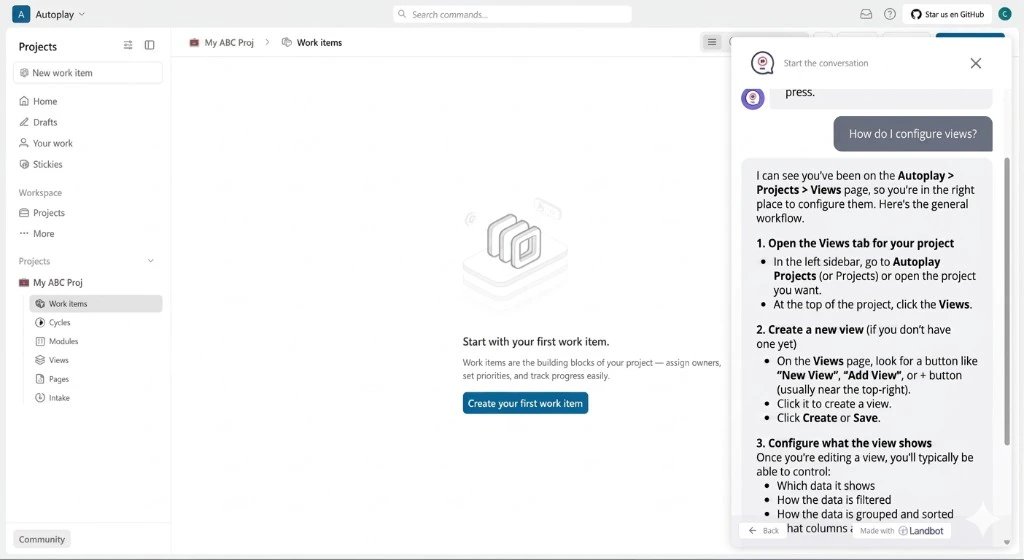
✨ Final result
📋 Prerequisites
Complete the Quickstart. You should have:- Your activity source set up — PostHog (or Amplitude) in the browser, with
identify(orsetUserId) setting a stableuser_idfor each logged-in user - A registered product — your
product_id,mcp_url, andmcp_keyprinted byonboard_productin the Quickstart - A Landbot account
The building blocks
Follow the steps in order — each page stands alone so you can ship incrementally.- Connect real-time events — Set up the Landbot workflow, wire a lightweight backend server, and embed the support AI agent in your frontend app.
- Define proactive triggers — Proactively message users in Landbot based on what they’re doing in your product. (Coming soon)