
✨ Final result
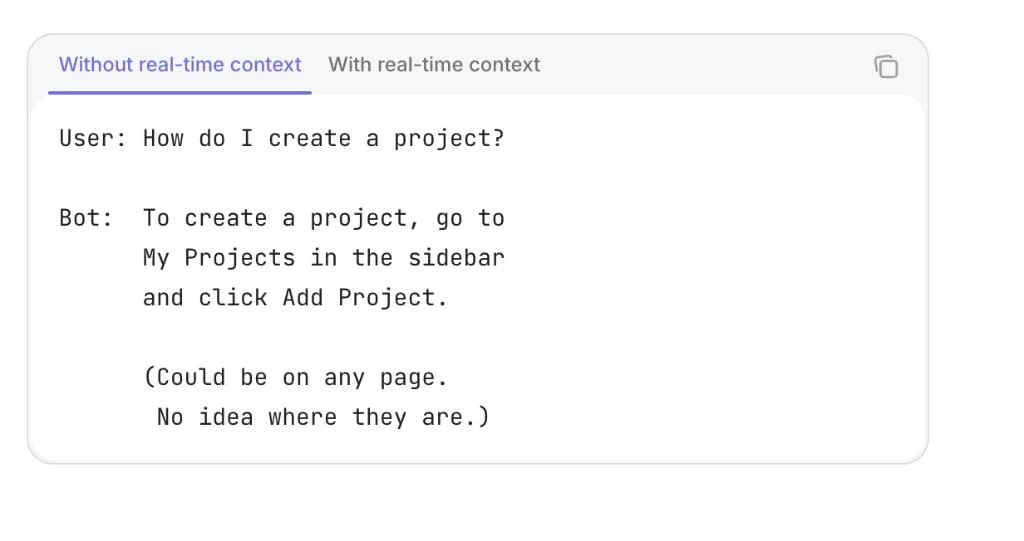
- Without real-time context
- With real-time context
📋 Prerequisites
Complete the Quickstart. You should have:- Your activity source set up — PostHog (or Amplitude) capturing events in your app, with
identify(orsetUserId) setting a stableuser_idyou can also reference inside Botpress - A registered product — your
product_id,mcp_url, andmcp_keyfrom the Quickstart - A Botpress account — with a bot created in Botpress Studio
The building blocks
Follow the steps in order — each page stands alone so you can ship incrementally.- Connect real-time events — Pull a user’s live activity on demand from the Autoplay connector and wire an Autonomous Agent to answer with that context.
- Define proactive triggers — Proactively message users in Botpress based on what they’re doing in your product. (Coming soon)